From installing your first tools to mastering advanced scripting — learn at your own pace
Follow our beginner path below to go from zero to creating your first custom map in hours.
Begin Your JourneyComplete learning paths - follow step by step
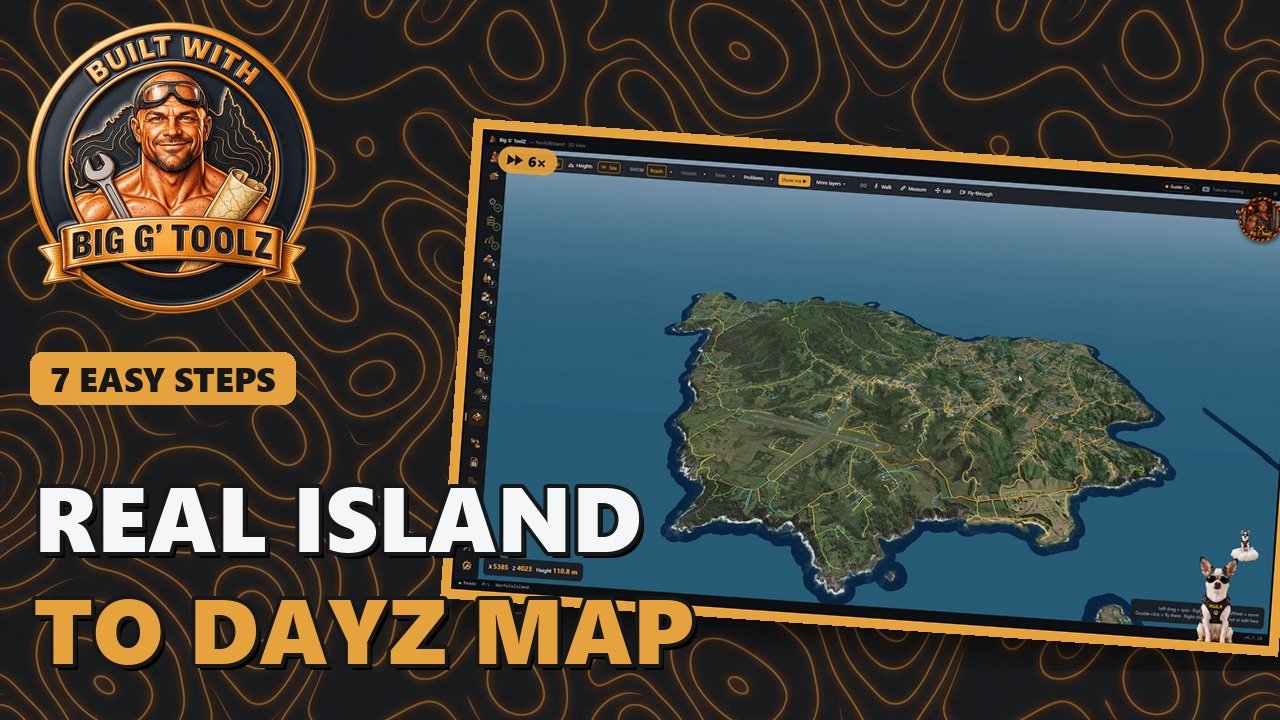
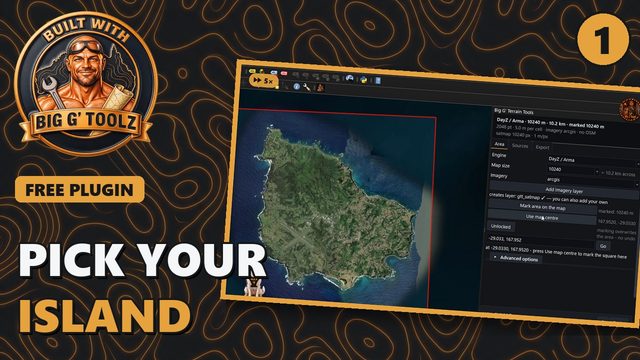
A real island, Norfolk Island, turned into a playable DayZ map in 7 short episodes. Free QGIS plugin + Big G' ToolZ, every click shown, no Terrain Builder.
Step by step how to build your first map
How to get started in dayz modding
Learn how to use terrain builder
A seven part walkthrough of DayZ modding from the very beginning — what the tools are, how they fit together, and how to get your first mod running.
how to use object builder
Learn how to create rvmats for your objects
Perfect for those just starting their DayZ modding adventure
Visit https://dayzmodcast.com
In this episode we show you how to set your PC for DayZ Modding
Visit https://dayzmodcast.com
Visit https://dayzmodcast.com.
Visit https://dayzmodcast.com
In this video we introduce you to the world of modding
Open the free Big G' Terrain Tools plugin in QGIS, make a new map, find your island by name, download the real hills and OpenStreetMap, and export. Then one button opens it in Big G' ToolZ.
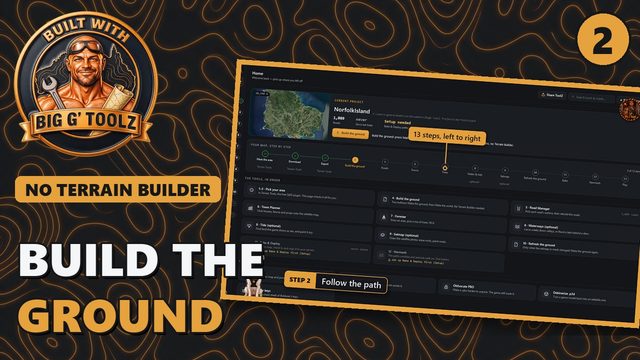
Big G' ToolZ opens already knowing your map. New project in four clicks, the 13-step path, then two buttons: Make the ground and Make the world. No Terrain Builder.
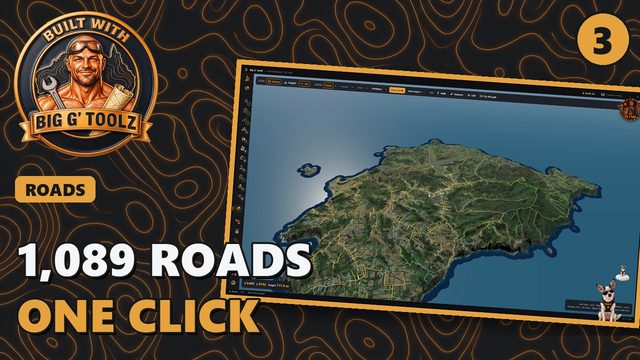
The Road Manager lists every real road by name, already picked from the real map. Press Regenerate and every road is laid and the ground shaped under it. Then fly over it in the 3D View.
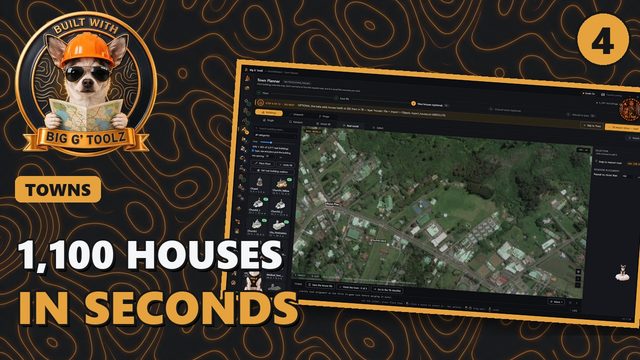
The Town Planner's Real world tab puts a DayZ building wherever a real one stands, 10 m apart so nothing's jammed. Then Finish the town: doors to the road, gravel driveways, a flat pad under every house, trees cleared, yards planted.
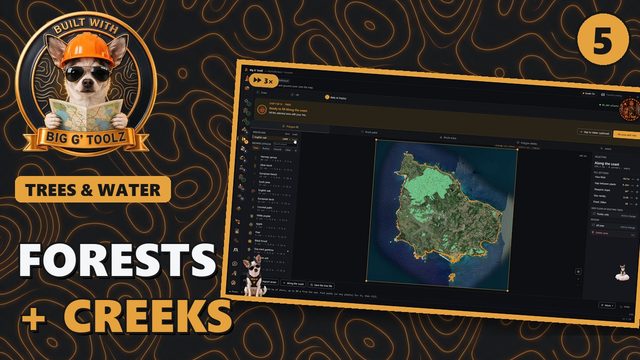
The Forester imports the real forest and fills it with your mix (27,000 trees), then Along the coast plants palms round the shore. Waterways finds every real creek; build the big ones, carved into the ground.
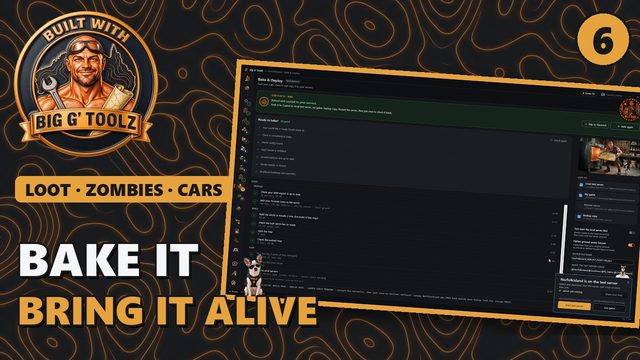
Bake & Deploy checks everything, bakes in 10 steps and copies it to your test server. Step 10 gives the map loot, zombies, animals and cars by itself. Then make the navmesh and bake once more.
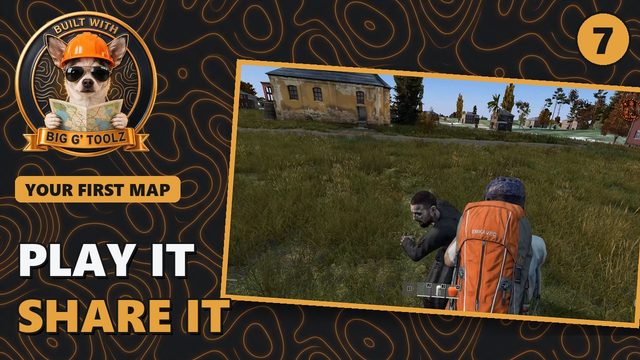
Start the test server and join your own island: real roads, houses, palm trees, creeks and the locals. Then share your map, and grab your "Built with Big G' ToolZ" badge.
Ready to build complete mods and custom systems
Big Grampa builds new houses for a DayZ map.
How to build a DayZ Map in 2 hours demonstration
Learn the complete workflow for importing custom 3D models into DayZ. From preparing your .p3d files to setting up configs, this video tutorial covers everything you need to bring custom objects into the game.
Visit https://dayzmodcast.com
Master-level techniques for experienced modders
Patreon supporters get access to exclusive video courses, downloadable templates, and premium guides on advanced topics like RVMats, custom animations, and more.
Join on Patreon